
End of support is a decision deadline, not a complete decision
Turn a support notice into a documented plan for parts, software, continuity and eventual retirement.
Sources reviewed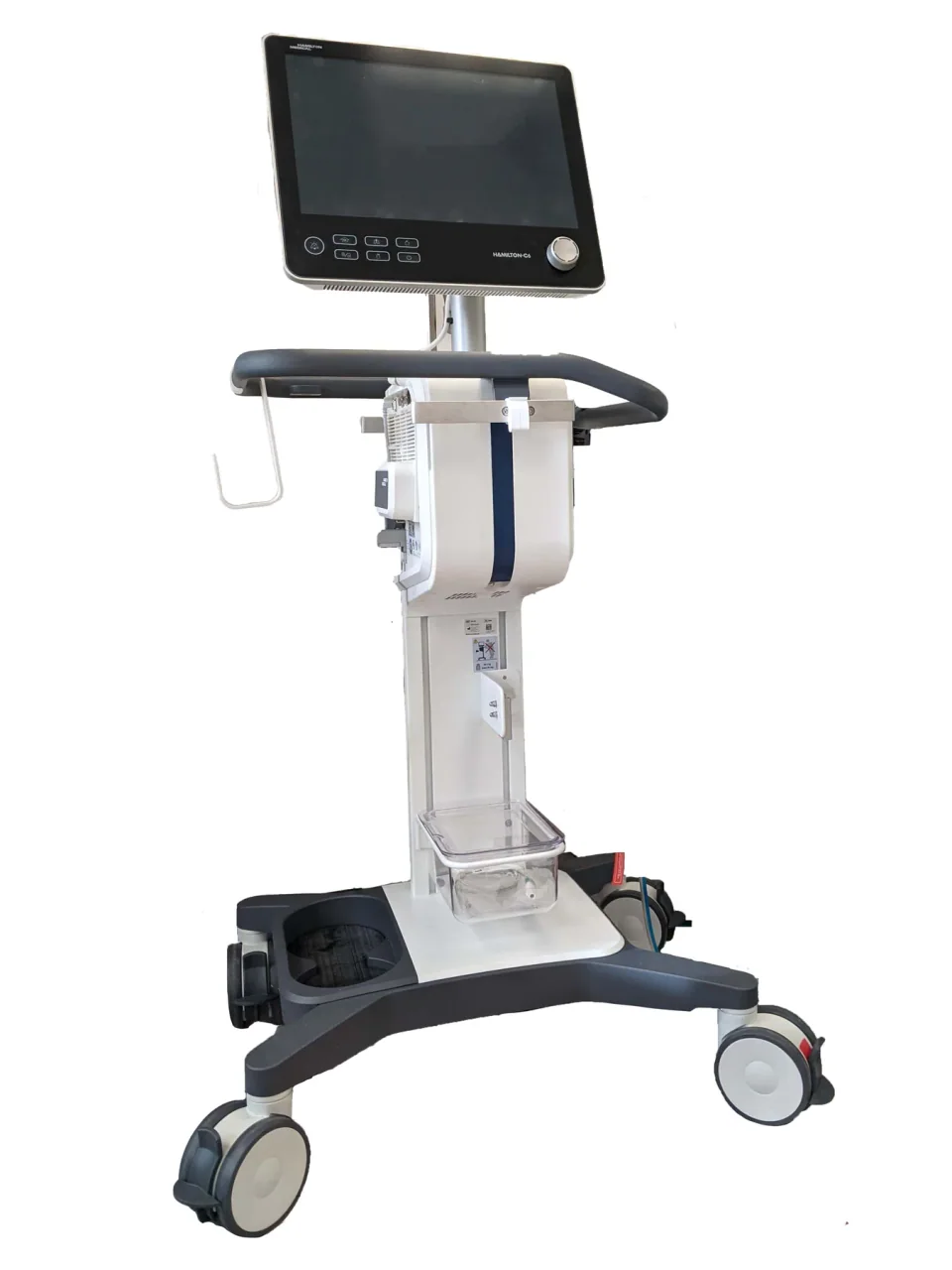
About this photograph
This photograph illustrates the equipment context. It is not evidence of a product, supplier, software configuration or service package recommended in this guide.
The decision at a glance.
- Start here
- Build a support map for parts, field service, software, security and essential accessories. Obtain written dates and limitations from the responsible suppliers.
- Spend more when
- A supported upgrade or replacement resolves a material gap that the hospital cannot acceptably manage through a documented interim plan.
- Watch the budget
- Compare support, controls, spares and interruption provision with complete upgrade or replacement costs, including site work, training, migration and retirement.
- Check the support
- Involve clinical, biomedical and security teams. A continuation decision needs an owner, review date, stop conditions and a funded transition plan.
Ask the supplier
- Which support activities end for our serial and software configuration?
- What evidence supports the proposed parts, service and security arrangement?
- What remains supported after an upgrade, and for what period?
Translate the notice into a support map
Ask for the original manufacturer notice and confirmation that it applies to the installed model, serial number, software and region. Record the dates for equipment sales, parts supply, field service, software updates and any transitional arrangement. Different notices and providers may use labels differently; the actual obligations matter more than a familiar acronym.
Create a row for each dependency and mark it available, limited, withdrawn or unconfirmed. IMDRF's legacy-device guidance distinguishes lifecycle stages and associated responsibilities. Use the supplier's own documented scope for the specific purchase rather than turning a general lifecycle definition into a promise about this hospital's equipment.
Verify the parts route instead of counting listings
Ask the current provider which essential components it can supply, how compatibility is confirmed and what happens when a part is unavailable. Siemens' CT end-of-support page explicitly warns that spare-parts availability is no longer guaranteed. That identifies a question to resolve; it does not prove every part for every affected system has disappeared.
An independent provider may offer a useful route, but require evidence of technical competence, tools, documentation and support for the exact configuration. A web listing is not a reserved spare. Record a credible response plan for a difficult failure and the hospital's continuity arrangement if restoration cannot be completed within its acceptable interruption.
Review software and security separately
A system may still acquire images while its operating system, remote connection or other software component has a different support position. Involve the hospital's IT and security teams alongside biomedical engineering. GE's public product-security repository illustrates the kind of manufacturer information to seek: affected products, updates, required actions and patch history.
Ask the manufacturer which approved updates and controls apply. IMDRF advises consideration of device-specific compensating controls and their costs after support ends, while preserving intended use. Do not assume disconnecting a network cable resolves every concern or remains compatible with clinical work. Have the responsible teams assess the entire operating workflow and document their conclusion.
Compare complete alternatives on one page
Set out three practical proposals: continue for a defined period, make a supported upgrade, or replace. Where independent service is credible, include it within the continuation proposal with its exact limitations. Price the same planning period, using quoted costs and explicit scenarios instead of guessed failure probabilities.
For an upgrade, obtain written confirmation of what becomes supported and for how long. For replacement, include site changes, training, integration, downtime and retirement. For continuation, include additional support, controls, spares and interruption arrangements. A low annual service charge is incomplete evidence when it excludes the specific component or software dependency driving the decision.
Give a keep decision a date and stop conditions
A decision to continue should state why the remaining arrangement is acceptable, who owns it and when it will be reviewed. Define events that trigger another decision, such as loss of a required service capability, an unresolved security issue, failure of a specified component or inability to obtain essential supplies.
Keep a transition schedule even if replacement is deferred. Identify procurement lead time, site preparation and temporary cover so the hospital is not forced into an unplanned purchase later. The purpose is to make continued operation a deliberate, revisable decision supported by evidence rather than an indefinite assumption that yesterday's repair route will remain available.
Plan the exit while records are still accessible
WHO's decommissioning guidance addresses why, when and how to retire medical devices. Before switching systems, identify records and configurations the hospital must retain, the route for migrating required data, and the people responsible for technical decommissioning and appropriate disposition. Confirm local requirements with the responsible specialists.
Complete a support-decision worksheet containing the asset identity, notices, component and software support map, alternatives, chosen conditions, review date and transition owner. Preserve it with the maintenance history. The defensible decision is the one the team can explain and sustain with current evidence, whether that is a short continuation, a supported upgrade or replacement.
Compare the options.
Continue temporarily
- Capability
- Maintain an approved interim service.
- Best fit
- Documented acceptable conditions and a review date.
- Cost to watch
- Support gaps, controls and contingency.
Upgrade
- Capability
- Resolve specified hardware or software support gaps.
- Best fit
- Written support for the resulting configuration.
- Cost to watch
- Upgrade scope and remaining dependencies.
Independent service
- Capability
- Cover verified maintenance tasks.
- Best fit
- Credible technical evidence for the exact system.
- Cost to watch
- Parts, tools and uncovered software issues.
Replace
- Capability
- Move to a supported service configuration.
- Best fit
- The existing gap cannot be acceptably managed.
- Cost to watch
- Complete transition and retirement.
Option notes, costs & support 4 options
Time-limited continuation with verified support
Managed transition option
- Best for
- A team with an acceptable documented interim operating plan.
- Why consider it
- IMDRF recognizes that clinical use can extend beyond support, while emphasizing assessment and responsibilities.
- The trade-off
- The hospital may assume additional costs and obligations.
- Price & package
- Include support, controls, contingency and transition costs.
- Support
- Name the decision owner, review date and stop conditions.
Manufacturer-supported upgrade
Retain suitable hardware
- Best for
- An installed platform with a confirmed supported upgrade pathway.
- Why consider it
- A product-specific security and support review can identify whether an upgrade addresses the actual gap.
- The trade-off
- Some hardware or third-party dependencies may remain unsupported.
- Price & package
- Quote the full upgrade, testing and resulting support term.
- Support
- Require written confirmation of the post-upgrade configuration's support.
Independent service for a defined scope
Alternative maintenance route
- Best for
- A facility able to verify technical capability and genuine access to required parts and tools.
- Why consider it
- A parts-support gap must be resolved with evidence; an alternative service offer can be assessed against that need.
- The trade-off
- Mechanical repair capability does not establish software or security support.
- Price & package
- Include diagnostics, parts, travel, verification and remaining exposures.
- Support
- Confirm exact configuration and limitations in writing.
Planned replacement and decommissioning
Exit option
- Best for
- An unacceptable or unaffordable support gap, or a replacement that better meets the required service.
- Why consider it
- WHO provides a framework for why, when and how to decommission devices.
- The trade-off
- Site work, training, data transition and disposal also require planning.
- Price & package
- Compare the complete changeover against the funded continuation plan.
- Support
- Preserve access to necessary records and assign retirement tasks.
Budget for the complete service.
Continuation comparison = verified support + additional controls and spares + interruption provision + later transition, versus complete supported upgrade or replacement.
- Component availability and service access
- Software and security dependencies
- Additional controls and monitoring
- Temporary cover and interruption
- Migration, site work and retirement
Before you commit.
- Match the notice to serial, software, region and configuration.
- Separate parts, field-service, software and security support dates.
- Verify the alternative service provider's exact capabilities and limitations.
- Compare continuation, supported upgrade and full replacement costs.
- Approve review dates and explicit stop conditions.
- Assign data transition, retirement and continuity responsibilities.
Further checks & evidence limits
Questions to resolve
- Which exact support activities end for our installed configuration, and when?
- What remains supported after the proposed upgrade or service arrangement?
- Who owns the continuation decision, and what event ends it?
What the evidence does not establish
- No blanket age limit or claim that end-of-support equipment is automatically unlawful or unsuitable is made.
- Public product-family pages do not establish the status of a particular serial number.
Sources & supporting evidence.
Manufacturer claims and seller offers are identified below. Prices apply to the stated offer and review date; confirm availability, configuration and delivered cost.
- Principles and Practices for the Cybersecurity of Legacy Medical Devices, N70International Medical Device Regulators Forum · international regulatory guidance · checked October 17, 2026
Final guidance describes lifecycle responsibilities, support transitions and device-specific compensating controls, including their cost and effect on intended use.
- What end of support means for your CT systemSiemens Healthineers · manufacturer · checked October 17, 2026
The manufacturer's US CT page states that spare-parts availability is no longer guaranteed after the described support transition; it does not identify the status of an individual serial.
- Product Security: products, patches and security noticesGE HealthCare · manufacturer security repository · checked October 17, 2026
Public entry describes product security updates, affected-product status, required actions and patch history.
- Decommissioning medical devicesWHO · institutional guidance · checked October 17, 2026
Provides a framework for determining why, when and how to decommission medical devices.
Put the guide to work.
Send MMS your equipment list, destination and budget. We can help you compare a complete package.
Discuss your equipment