
Make the maintenance register earn its place in the budget
Connect each device to its service history, next task and unresolved cost before buying another machine.
Sources reviewed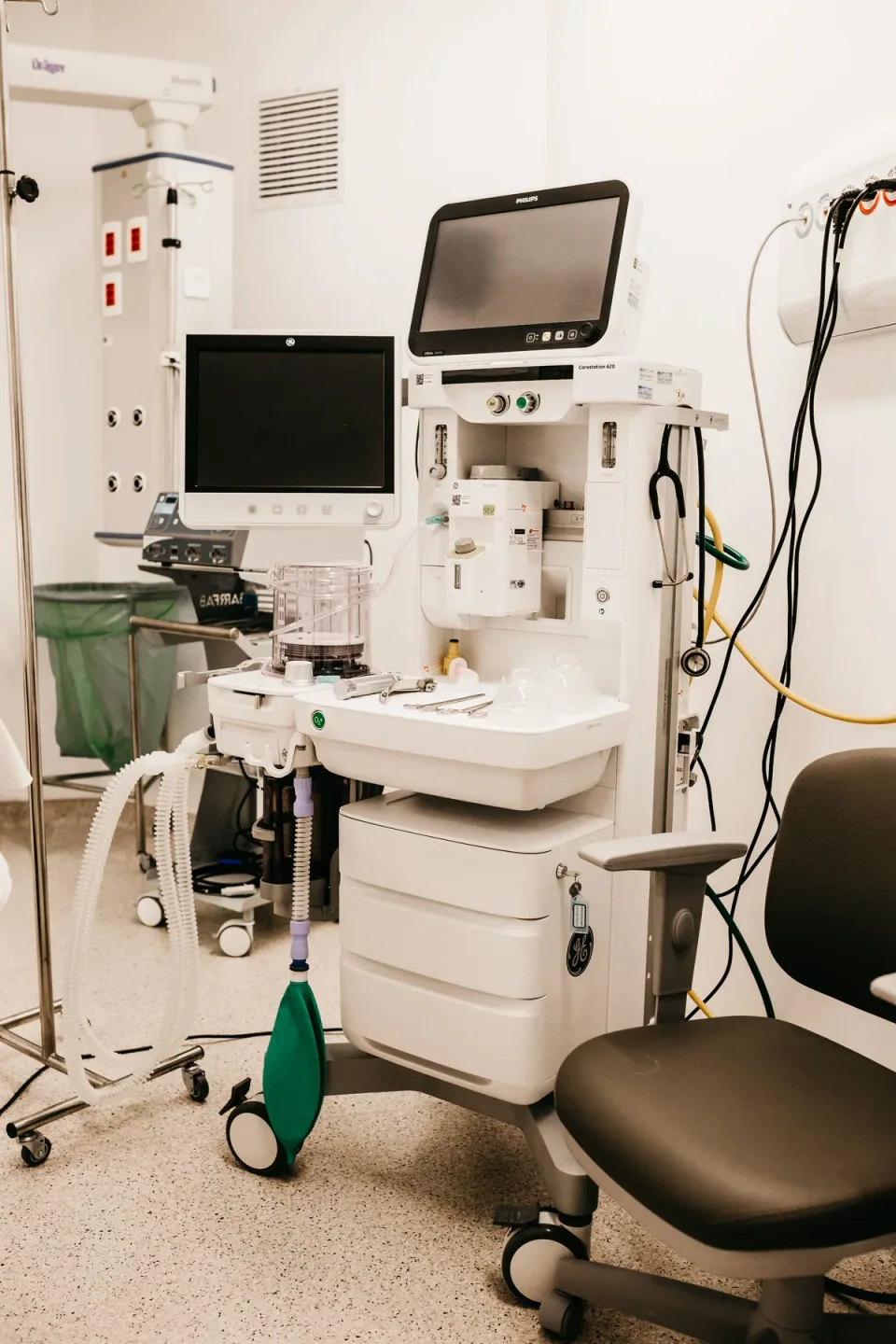
About this photograph
This photograph illustrates the equipment context. It is not evidence of a product, supplier, software configuration or service package recommended in this guide.
The decision at a glance.
- Start here
- Link each local asset identifier to its model, serial, location, service reports, approved maintenance basis, next task and current status.
- Spend more when
- Buy a maintenance management system when several users, scheduled work or a larger fleet exceed the current record's practical limits.
- Watch the budget
- Allow for physical inventory checks, data entry, migration, staff training and ongoing administration. Keep unquoted repair costs visibly unknown.
- Check the support
- Require external engineers to return device-level reports. Test backup, retrieval and export so the hospital retains its history after staff or supplier changes.
Ask the supplier
- Which tasks and records are included in your service?
- Can we export the complete history for each serial?
- Who keeps the register current and resolves overdue actions?
Start with the equipment that is actually there
Walk the departments with the people who use and maintain the equipment. Give each asset a stable local identifier and verify its model, manufacturer serial, location, owner and current status. Link removable major components where necessary. A purchased unit still in storage and a working unit in another ward should not disappear into the same vague available category.
WHO's laboratory register provides a useful example: it records identity, location, condition, service contacts and maintenance dates. Extend the fields thoughtfully for the wider hospital. Keep the manufacturer's serial as well as the local asset label, since purchasing paperwork and service providers may use different identifiers.
Record the basis for the next task
Separate inspection, preventive maintenance and corrective repair in the workbook. WHO's maintenance overview distinguishes these activities. For each applicable planned task, record the instruction or approved programme it comes from, the responsible qualified provider, the last completed report and the next due action. A recurring calendar reminder without a defined task is difficult to budget or verify.
Do not give every device the same annual service interval just to simplify the sheet. Have the responsible technical team establish the applicable programme. For infusion pumps, FDA guidance specifically points to manufacturer-protocol preventive maintenance and keeping software versions in the inventory. Other device categories need their own documented basis.
Make every fault produce a useful history
Use one work record for each reported problem. Capture when it was noticed, the user's description, the operating context, who assessed it, what was found, parts or services supplied and the evidence for returning it to use. Link invoices and reports to the asset identifier. Preserve an unresolved status when diagnosis or corrective work is still pending.
Record unavailable time with the reason where it can be established: awaiting diagnosis, part, engineer, consumable or authorization. Distinguish a verified equipment fault from a missing accessory or an unconfirmed report. FDA's pump guidance encourages detailed follow-up and review of recurring problems; a history should help a qualified team recognize patterns without guessing their cause.
Turn the record into next year's spending choices
Create a budget view showing planned work, unresolved repairs, required accessories, expiring support and proposed replacement for each asset. Put the next action, responsible person and current quotation beside each item. Add freight, travel and testing costs where applicable. Leave an unquoted cost marked unknown so that it cannot quietly become zero in a total.
Compare the service the hospital needs with the reason it is unavailable. A second suction unit may improve continuity; it will not solve missing collection accessories for both units. Repeated delays waiting for one specialist may justify a different support arrangement. Use documented cases to develop the purchasing question before selecting another model.
Choose software after demonstrating the workflow
WHO describes a computerized maintenance management system as a tool combining inventory with information such as service history, planned procedures, performance indicators and costs. Those are the records to demonstrate during a software evaluation. Ask the vendor to enter a sample asset, schedule work, attach a report, record a repair and export the complete history.
A controlled spreadsheet may suit a small team. A larger fleet may need permissions, reminders and multiple users. Either approach needs an owner, a backup and a usable handover when staff change. Include data entry, migration and training in the cost comparison; an attractive dashboard cannot repair an inaccurate starting inventory.
Use a short review to keep the workbook alive
At an agreed interval, review overdue tasks, unresolved faults, units moved between departments and upcoming costs. Ask the service lead to explain exceptions and agree the next action. Make it easy for users to report a changed location or problem without letting unverified notes overwrite a completed technical report.
Before renewing a contract or placing a replacement order, pull the actual asset history. It should show what was done, what remains uncertain and what the hospital paid. That is stronger purchasing evidence than an age label or a claim that a model is always reliable. Keep the record accessible after any supplier change.
Compare the options.
Spreadsheet
- Capability
- Asset list, due tasks and linked reports.
- Best fit
- A small, controlled workflow.
- Cost to watch
- Verification and ongoing staff time.
CMMS
- Capability
- Coordinated work orders, schedules and histories.
- Best fit
- Many users or a larger fleet.
- Cost to watch
- Setup, subscriptions, training and data quality.
Shared service register
- Capability
- External service work visible to the hospital.
- Best fit
- A regional or contracted engineering team.
- Cost to watch
- Reporting scope and continued data access.
Option notes, costs & support 3 options
Controlled spreadsheet and linked reports
Practical starting point
- Best for
- A small fleet with one accountable coordinator and manageable updates.
- Why consider it
- A consistent asset identifier can connect basic inventory, service documents and budget actions.
- The trade-off
- Version control, permissions and reminders require deliberate handling.
- Price & package
- Budget staff time to verify assets and maintain the file.
- Support
- Keep a documented backup and a second person who can retrieve it.
Computerized maintenance management system
Coordination upgrade
- Best for
- A fleet needing multiple users, scheduled work and consolidated histories.
- Why consider it
- WHO describes inventory, service history, preventive tasks, indicators and costs as relevant CMMS content.
- The trade-off
- Software does not supply missing asset data or close unattended work orders.
- Price & package
- Quote setup, data migration, users, training, support and export arrangements.
- Support
- Demonstrate retrieval and export of a complete sample asset history.
Shared regional or service-provider records
Use external capacity
- Best for
- Hospitals sharing technical staff or relying on contracted service.
- Why consider it
- A common record can give the hospital visibility into work done by an external team.
- The trade-off
- The hospital must retain access when the provider or contract changes.
- Price & package
- Specify reporting and data-return obligations within the service scope.
- Support
- Require device-level reports and an accessible hospital copy.
Budget for the complete service.
Useful maintenance information cost = asset verification + record upkeep + software where needed + staff training + secure storage and export.
- Initial data quality
- Technician and coordinator time
- Software setup and users
- Report collection from outside providers
- Continuity when staff or contractors change
Before you commit.
- Verify each asset's identity, location, owner and status.
- Link planned tasks to an approved basis and a responsible provider.
- Store service reports and invoices under the same asset identifier.
- Record unresolved faults and reasons for unavailable time.
- Give each budget item a quotation, owner and next action.
- Demonstrate backup, retrieval and export before choosing record software.
Further checks & evidence limits
Questions to resolve
- Can we retrieve the complete history for this serial?
- Which instruction or approved programme defines its next maintenance task?
- What information can we export when the service or software contract ends?
What the evidence does not establish
- The guide does not establish maintenance intervals, performance tests or universal replacement thresholds.
- Records describe observed experience; they do not prove comparative model reliability.
Sources & supporting evidence.
Manufacturer claims and seller offers are identified below. Prices apply to the stated offer and review date; confirm availability, configuration and delivered cost.
- Medical equipment maintenance programme overviewWHO · institutional guidance · checked October 17, 2026
Readable official overview distinguishes performance and safety inspections, preventive maintenance and corrective maintenance. It does not prescribe a universal maintenance interval.
- Computerized maintenance management systemWHO · institutional guidance · checked October 17, 2026
Official overview identifies inventory, service history, preventive maintenance procedures, performance indicators and cost information as CMMS content. Used as foundational guidance, not a current software product evaluation.
- Make an Equipment Register and check proper functioning of equipmentWHO Laboratory Quality Stepwise Implementation tool · institutional guidance · checked October 17, 2026
Laboratory-specific register includes unique local label, model, manufacturer serial, dates, location, condition, service provider and previous/next maintenance. Procurement considerations include reagent availability and a feasible maintenance route.
- Infusion Pump Risk Reduction Strategies for Clinical and Biomedical Engineers and Health Information Technology ProfessionalsUS FDA · institutional guidance · checked October 17, 2026
Pump-specific guidance recommends tracking software versions, manufacturer-protocol preventive maintenance, detailed incident follow-up, addressing recalls and monitoring recurring problems.
Put the guide to work.
Send MMS your equipment list, destination and budget. We can help you compare a complete package.
Discuss your equipment