
A flat-panel C-arm must earn its place in the budget
Compare the image, positioning, software and repair arrangements your team will actually use before paying for a detector upgrade.
Sources reviewed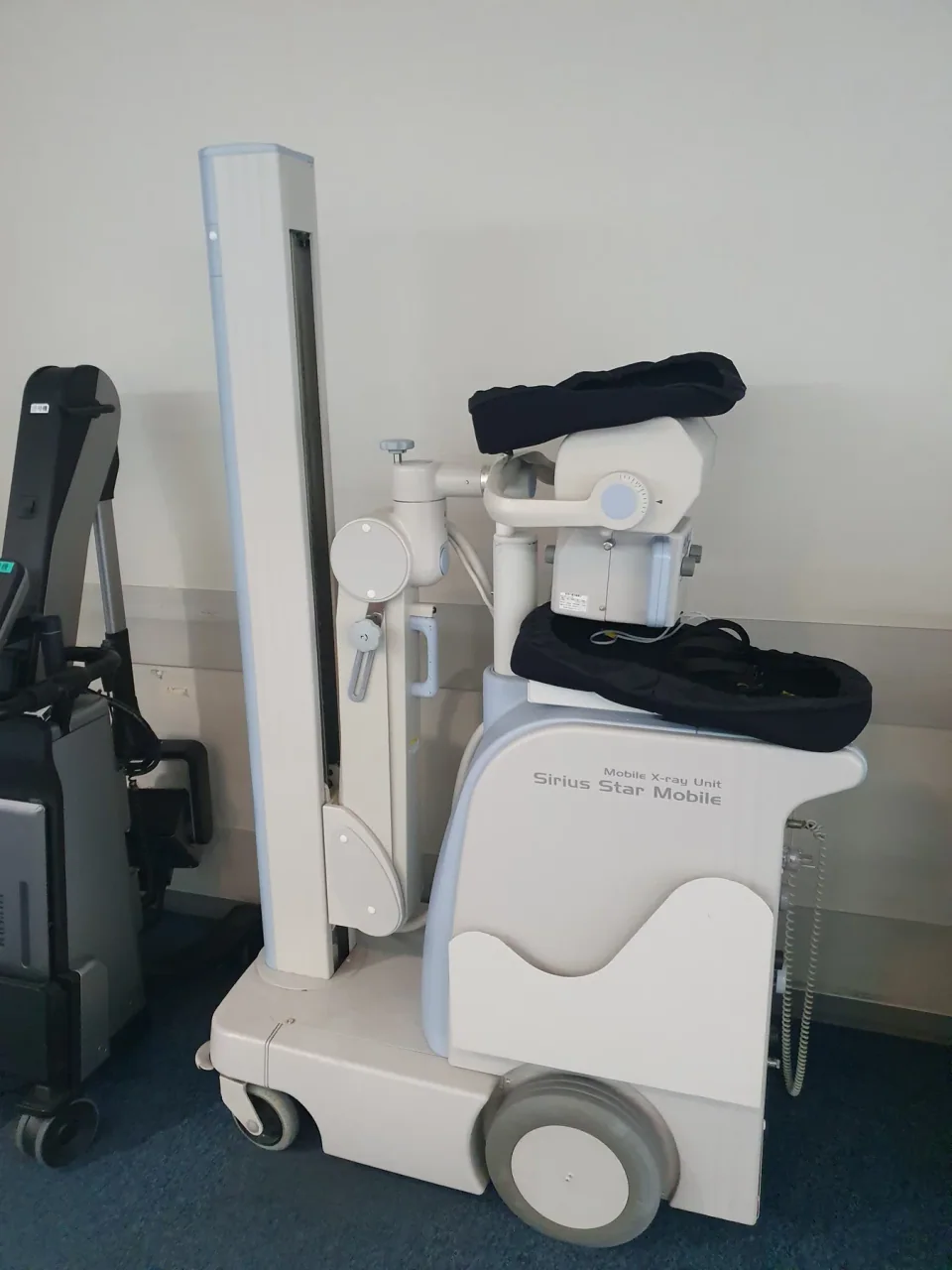
About this photograph
This photograph illustrates the equipment context. It is not evidence of a product, supplier, software configuration or service package recommended in this guide.
The decision at a glance.
- Start here
- Request an image-intensifier baseline and a specified flat-panel alternative, identifying detector size, software and required image-export functions.
- Spend more when
- A witnessed comparison demonstrates a useful imaging or positioning improvement, and the hospital can afford the resulting purchase and repair exposure.
- Watch the budget
- Include detector or intensifier replacement, the X-ray tube, software, commissioning, training, freight and engineer travel in the comparison.
- Check the support
- Obtain written component coverage and replacement arrangements for the offered serial and destination. Keep acceptance and corrective-action responsibilities explicit.
Ask the supplier
- Which detector and licensed options are actually supplied?
- How will you demonstrate the agreed images, room access and export workflow?
- What are the complete installed costs of detector and tube replacement?
Describe the problem before choosing the detector
A C-arm purchase should begin with the work the existing service cannot do reliably or conveniently. The difficulty might be positioning around the table, seeing required detail, exporting images or completing a demanding list without interruptions. Those are different problems. Buying a flat panel because it is newer can leave the original bottleneck untouched.
Ask the operating team to describe the required views, patient-size range, table access and image destination. Then have each supplier demonstrate the proposed configuration against the same requirements. A supported image-intensifier unit can remain a candidate when it meets that brief. The decision should turn on the complete system that will arrive, not an assumption that every older detector is inadequate.
The model name is only the beginning
Siemens illustrates a purchasing trap: its US Cios Select page specifies an image intensifier, while its India page describes image-intensifier and flat-detector versions. A quotation saying only “Cios Select” therefore leaves a major component unidentified. Record the region, detector, software version, licensed functions and serial number for a used offer.
GE's current OEC One CFD page also offers detector-size and software choices. A photograph of the display cannot establish the available vascular functions, export workflow or field coverage. Separate required functions from optional ones, and require the seller to demonstrate that the licensed configuration matches the written offer.
Compare useful images, not isolated specifications
Use a supervised demonstration planned by the clinical team and medical physicist, with appropriate test objects and consistent conditions. Compare usable image detail, artifacts, visibility across the field, recorded exposure information and workflow together. An impressive image at an undisclosed setting is weak purchasing evidence. A display's pixel count alone cannot establish the performance of the imaging chain.
Agree the acceptance criteria before ordering and identify who will test the delivered system. IAEA guidance distinguishes acceptance from commissioning and ongoing quality control, including for significantly refurbished equipment. Include the report and resolution of unacceptable results in the handover. A seller's successful power-on test does not settle those questions.
Rehearse a real movement through the room
Have users move the C-arm through the actual doorway and around the intended table, where a demonstration is feasible. Check cables, footswitch placement, brakes, display visibility and parking. A compact all-in-one arrangement may remove a separate-cart obstruction; it can also change where the operator and display must stand. The useful layout is the one that works in the receiving room.
Include the image-export destination in that rehearsal. Confirm installed DICOM options, network setup, identifiers and a successful transfer rather than treating “digital” as a complete connectivity specification. Assign the work of connecting the system to the receiving team and include its cost.
Give both detector choices a replacement plan
Request a separate replacement quotation for the detector or image intensifier, including diagnosis, installation, calibration, freight and warranty. Add the X-ray tube, which remains an ownership exposure whichever detector is selected. Establish whether the service agreement covers these components, whether used replacements are acceptable and what happens when a compatible part is unavailable.
Block Imaging's detector article usefully raises service-cost questions, but its seller perspective cannot establish today's price ratio, a guaranteed lifespan or suitability for every hospital. Obtain current quotes for the actual systems. Keep the remaining uncertainty visible instead of inserting a broad market estimate into a supposedly precise comparison.
Spend for a benefit the hospital can retain
Compare complete acquisition and changeover costs over the same planning period. Allow for training, acceptance, connectivity, scheduled maintenance and an affordable response to a major component failure. Evaluate a normal operating year and a repair scenario without assigning invented probabilities.
The flat-panel premium is justified when a demonstrated benefit matters enough to fund both the upgrade and its upkeep. If the accepted image-intensifier system already meets the service's requirements, maintaining it may preserve money for a spare, training or another missing capability. Choose the proposal that the receiving team can keep useful.
Compare the options.
Supported image intensifier
- Capability
- Evaluate the offered system against required images and positioning.
- Best fit
- Approved requirements already met with a sustainable package.
- Cost to watch
- Condition, intensifier and tube replacement, service access.
Flat-panel C-arm
- Capability
- Compare exact detector, image processing and enabled functions.
- Best fit
- Demonstrated gains solve a material imaging or room-workflow problem.
- Cost to watch
- Detector replacement, software, support and complete purchase premium.
Keep the installed system
- Capability
- Retain accepted performance while planning its eventual replacement.
- Best fit
- Current capability is adequate and support remains credible.
- Cost to watch
- A priced repair and support plan versus the complete changeover.
Option notes, costs & support 3 options
Siemens Cios Select, US image-intensifier configuration
Routine-work baseline
- Best for
- A team whose approved imaging requirements fit the offered configuration.
- Why consider it
- The US specification identifies a 23 cm image intensifier and 2.5 kW output; it provides a concrete baseline.
- The trade-off
- Vascular and DICOM options must be checked individually.
- Price & package
- Configured quote required; no delivered price verified.
- Support
- Public specifications are available; destination service and the offered serial's support horizon need written confirmation.
Siemens Cios Select with flat detector, regional configuration
Direct alternative to compare
- Best for
- A buyer comparing detector choices within a named product family.
- Why consider it
- Siemens' India page lists both detector technologies, making exact configuration identification essential.
- The trade-off
- Regional availability and approvals cannot be inferred from a different country's page.
- Price & package
- Quote the locally supplied variant and required software.
- Support
- Confirm detector replacement part, service provider and region-specific entitlement.
GE OEC One CFD
Workflow-led flat-panel shortlist
- Best for
- Rooms where a one-piece C-arm and adjustable large display solve an identified access problem.
- Why consider it
- GE lists two detector sizes and four software configurations, alongside a 27-inch 4K display.
- The trade-off
- A current brochure does not establish the options or detector in an older used unit.
- Price & package
- Complete configured quote required.
- Support
- Confirm service terms, detector coverage and compatibility with the destination's workflow.
Budget for the complete service.
Comparable C-arm cost = configured system and delivery + commissioning and connectivity + maintenance + uncovered component repairs + continuity provision.
- Detector or image-intensifier replacement
- X-ray tube and calibration
- DICOM and application options
- Room fit and staff training
- Service travel and temporary replacement
Before you commit.
- Identify the exact detector, software and enabled options.
- Demonstrate agreed views and positioning against consistent criteria.
- Price image export, installation and physicist acceptance.
- Obtain detector/intensifier and tube replacement quotations.
- Confirm destination service, part availability and coverage exclusions.
- Compare the upgrade with repairing the installed C-arm.
Further checks & evidence limits
Questions to resolve
- Which demonstrated limitation does the upgrade resolve?
- What is the installed replacement price of each major component?
- Who accepts and supports this exact serial at the destination?
What the evidence does not establish
- No universal comparative reliability, detector-life or radiation-dose advantage is established here.
- Current local prices, regional availability and unit-specific support require quotations.
Sources & supporting evidence.
Manufacturer claims and seller offers are identified below. Prices apply to the stated offer and review date; confirm availability, configuration and delivered cost.
- Flat Panel Detector C-Arms vs. Image Intensifier C-ArmsBlock Imaging · seller perspective · checked October 17, 2026
Seller discusses detector selection, software and service costs. Its market-wide price, lifespan and sufficiency claims are not treated as verified comparative evidence.
- Cios Select: United States specificationsSiemens Healthineers · manufacturer · checked October 17, 2026
US page specifies a 23 cm image intensifier, 2.5 kW output and separately identified optional DICOM and vascular functions.
- Cios Select: India product configurationsSiemens Healthineers · manufacturer · checked October 17, 2026
Regional page identifies both image-intensifier and flat-detector configurations; the model name alone does not establish the supplied detector.
- OEC One CFDGE HealthCare · manufacturer · checked October 17, 2026
Current US page describes a one-piece system, 27-inch 4K display, two CMOS detector sizes, four software configurations and five-minute standby transport power.
- SSG-46: Quality assurance for medical exposures, paragraphs 3.235–3.238IAEA · institutional guidance · checked October 17, 2026
Acceptance, commissioning and ongoing quality-control responsibilities include significantly refurbished equipment, donated equipment and relevant software changes.
Put the guide to work.
Send MMS your equipment list, destination and budget. We can help you compare a complete package.
Discuss your equipment