
Buying DXA? Protect the value of the next scan
Compare GE Prodigy and Hologic Horizon configurations, useful analysis options and the quality work needed to preserve meaningful follow-up scans.
Editorially reviewed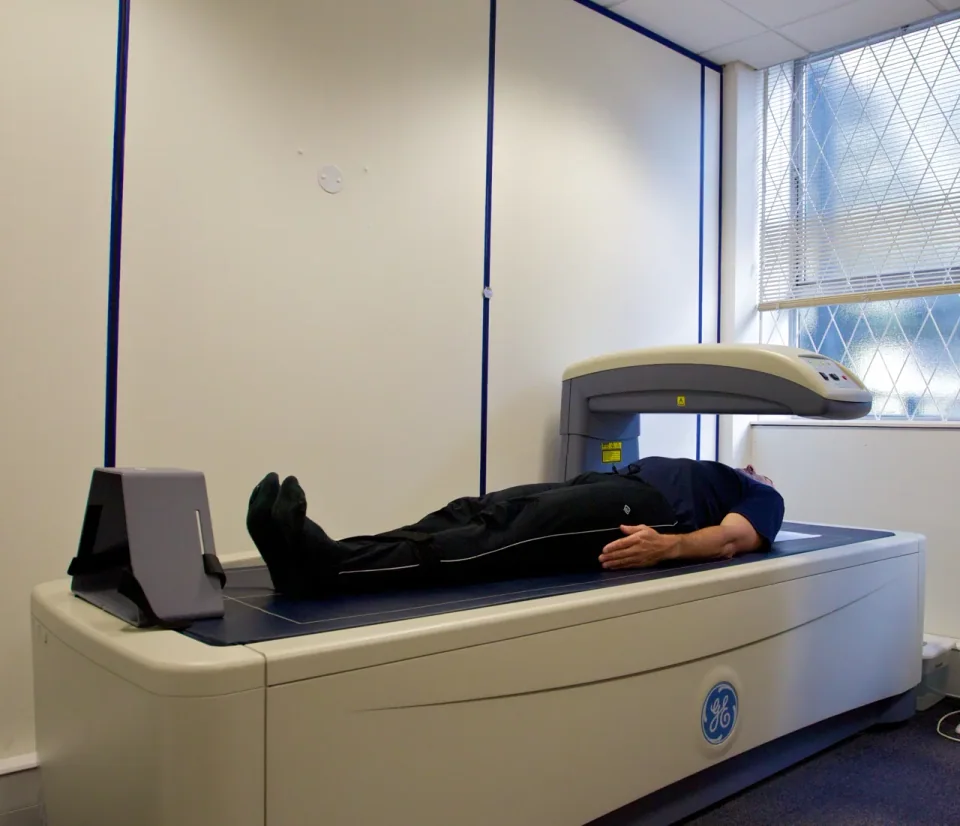
About this photograph
Not evidence of MMS stock, recommended options, current support, performance or endorsement.
The decision at a glance.
- Start here
- Protect follow-up and fund the quality programme.
- Spend more when
- A defined limitation justifies a planned system change.
- Watch the budget
- Include software, quality work and transition costs.
- Check the support
- Verify the exact configuration and continued record access.
Ask the supplier
- Which applications and licences are included?
- How will the clinical team manage comparison with prior studies?
- Who supplies and funds the local quality programme?
Start with the service you intend to provide
Define whether the purchase supports a clinical bone-health service, additional body-composition work or both. Identify the referring clinicians, qualified operators, interpretation arrangements and the way results will affect care. A projected fitness-market income stream should not be allowed to disguise an unfunded clinical service.
Hologic's Horizon range illustrates that bone-density and body-composition applications can appear within one product family. That does not mean every used configuration includes all software, reference data or reporting functions. Specify the accepted applications and licences before comparing offers.
Three configurations worth separating
GE Prodigy comes in full and compact versions. Its optional CoreScan application adds visceral and subcutaneous fat reporting, while TBS is another optional analysis. A bone-density brief and a body-composition brief can therefore produce different Prodigy packages. Buy the application the service will use; a family-name quotation does not settle the software content.
Within Hologic Horizon, the A model's rotating C-arm enables a supine lateral workflow. The APEX 5.6.1.X guide describes lateral patient positioning for IVA imaging on C/W/Ci/Wi models instead. That is a practical distinction for the team assessing positioning and handling, not proof that every patient needs the A model. The same guide distinguishes IVA HD on C/W from IVA on Ci/Wi.
If the accepted work is routine bone-density assessment, a broader imaging or analysis package needs a specific reason to justify its extra cost. If lateral imaging or body composition is central to the brief, omitting the required configuration can make a cheaper offer unusable for that work.
Do not lose the value of the previous examination
A replacement can disrupt useful follow-up even when the new machine performs well. ISCD's 2023 positions distinguish comparisons within a system from comparisons across systems and require appropriate cross-calibration for quantitative comparison after a change. Without that assessment, a new baseline is needed.
The purchasing consequence is to plan the transition before removing the old unit. Ask the clinical team to define the necessary overlap, assessment, records and reporting changes. Include that work in the installation budget and timetable. An equipment swap completed quickly is not necessarily a complete clinical handover.
Quality equipment and operator work are separate
A manufacturer's precision figure is not a substitute for the facility's own precision assessment. ISCD also addresses phantom checks, calibration review and service records. These are distinct obligations: a scanner can have its calibration checked while the service still needs trained operators and a justified basis for interpreting changes.
Verify which phantom and quality tools belong to the exact system, that they are supplied in usable condition, and who will establish the local programme. Fund training and quality time. Do not advertise a capability on the assumption that these tasks happen automatically after delivery.
Read the complete configuration list
For a used offer, record the scanner generation, acquisition and analysis software, workstation, licences, positioning accessories, quality equipment and data-transfer rights. Check that the supplied system can create the reports the clinical service requires and that records can be retrieved without an unavailable legacy computer.
Review table and positioning suitability for the population with the responsible team. Add optional applications because they answer an accepted need, not because their names make a quotation look comprehensive. The cheapest hardware offer can become expensive if an indispensable software function or accessory must be sourced later.
Compare access with ownership
A hospital with limited or uncertain demand should compare a local service with dependable referral. Include travel, access delays, report continuity and follow-up arrangements. Ownership makes more sense when sufficient accepted work, staff and support justify the recurring fixed commitment.
Keeping a supported existing machine can be sensible when it meets the clinical brief. Replacement earns extra spending when it removes a documented capability, capacity or support problem. A change of brand or a newer workstation alone does not establish better clinical value.
Judge the offer after the handover costs are included
Compare the same period and workload, including equipment, installation, trained staff, quality work, reporting, software, service and transition. Keep a realistic allowance for interruption or referral. No universal scan volume can decide this without the site's costs and accepted demand.
Before acceptance, demonstrate acquisition-to-report delivery, recovery of prior records and the agreed quality and transition work. The durable asset is a supported service that produces usable results over time. A low purchase price is valuable only when it preserves that service rather than leaving essential work unfunded. Manufacturer reputation and installed-base size do not establish a lower failure rate; use the exact service history and achievable repair arrangements to judge support exposure.
Compare the options.
Prodigy + selected options
- Capability
- Named optional analysis applications.
- Best fit
- Only purchased applications enter the service plan.
- Cost to watch
- CoreScan/TBS and exact base configuration.
Horizon C/W or Ci/Wi
- Capability
- Different IVA/IVA HD configurations.
- Best fit
- Required scope fits the offered variant.
- Cost to watch
- Software and accepted positioning.
Horizon A
- Capability
- Rotating-arm supine lateral workflow.
- Best fit
- The team can use the positioning difference.
- Cost to watch
- Added capability plus transition.
Option notes, costs & support 3 options
GE Prodigy with the required analysis package
Modular application choice
- Best for
- Bone-density work with deliberately selected additional analysis.
- Why consider it
- Full/compact versions and optional CoreScan or TBS allow a more exact brief.
- The trade-off
- Body-composition tools vary with base model and region.
- Price & package
- Required software and reporting, not just the scanner.
- Support
- Verify exact generation, licence transfer and local support.
Hologic Horizon C/W or Ci/Wi, exact configuration
Compare the actual lateral workflow
- Best for
- A team that accepts the model’s positioning and imaging scope.
- Why consider it
- The guide distinguishes IVA HD on C/W from IVA on Ci/Wi.
- The trade-off
- Do not assume the Horizon A rotating-arm workflow or every application.
- Price & package
- Compatible applications, quality tools and support.
- Support
- Review the matching manual and installed licences.
Hologic Horizon A, exact configuration
Rotating-arm lateral capability
- Best for
- An accepted service that benefits from supine lateral acquisition.
- Why consider it
- Offers a specific positioning distinction from the other Horizon models.
- The trade-off
- Extra capability needs an actual clinical and handling use case.
- Price & package
- Full supported package and transition work.
- Support
- Model features do not establish serial-specific service eligibility.
Budget for the complete service.
DXA service cost = installed equipment + staffing and interpretation + quality work + software and service + transition and interruption.
- Accepted demand
- Longitudinal records
- Quality programme
- Application licences
- Support continuity
Before you commit.
- Define clinical and optional applications.
- Plan transition before removal.
- Verify phantoms, licences and records.
- Fund operator training and quality work.
- Compare referral on the same period.
Further checks & evidence limits
Questions to resolve
- Which applications and licences are included?
- How will the clinical team manage comparison with prior studies?
- Who supplies and funds the local quality programme?
What the evidence does not establish
- No diagnostic threshold, patient testing interval or operating protocol recommendation.
- No current installed prices, reliability ranking or exact-system support eligibility.
Sources & supporting evidence.
Manufacturer claims and seller offers are identified below. Prices apply to the stated offer and review date; confirm availability, configuration and delivered cost.
- ISCD Official Adult Positions 2023International Society for Clinical Densitometry · professional-society · checked October 18, 2026
Read quality-control, precision, cross-calibration and reporting sections. Facility precision differs from manufacturer specification; comparisons across changed systems require appropriate cross-calibration. No clinical protocol reproduced.
- Horizon DXA SystemHologic · manufacturer · checked October 18, 2026
Written product information describes bone-health and body-composition applications; exact offered licences and clinical suitability remain to verify.
- Prodigy bone and metabolic healthGE HealthCare · manufacturer · checked October 18, 2026
Full and compact versions; optional CoreScan and TBS; body-composition features vary by base model and region. Reliability and installed-base claims are not comparative failure evidence.
- Horizon APEX 5.6.1.X user guide, MAN-08072-002 Rev 003Hologic · manufacturer · checked October 18, 2026
2022 guide: printed pp. 1,57,71–72,81,87,89,91–92 read, including positioning figures. Horizon A rotating-arm lateral workflow differs from C/W/Ci/Wi lateral positioning; not a current licence or eligibility determination.
Put the guide to work.
Send MMS your equipment list, destination and budget. We can help you compare a complete package.
Discuss your equipment